
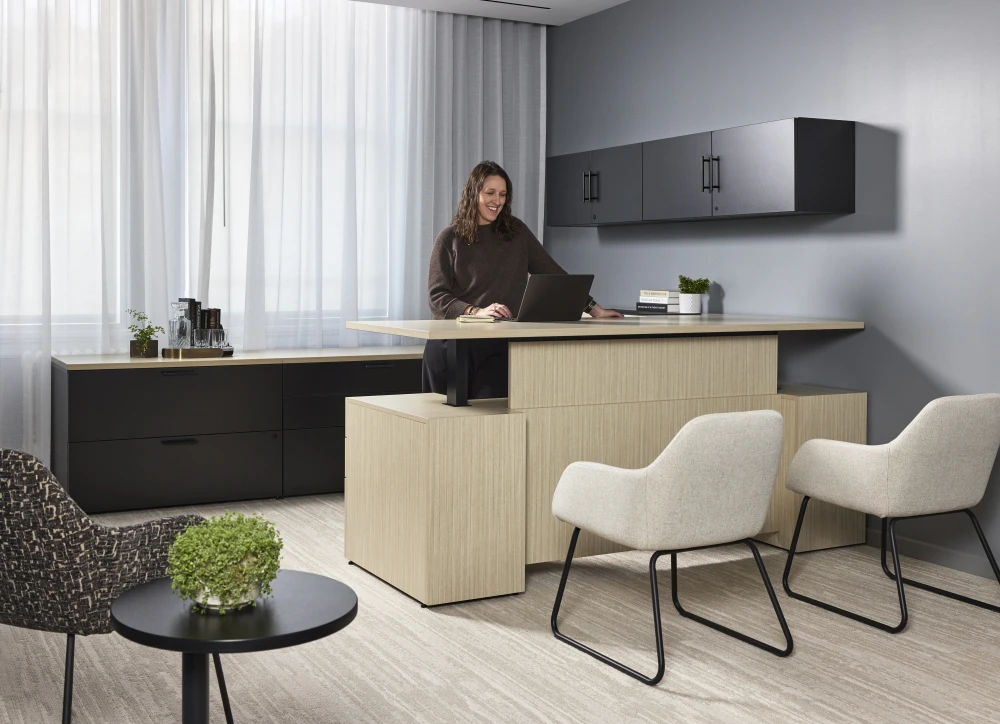
Choosing height-adjustable workstations for an entire office involves more than selecting desks that allow employees to sit or stand. Businesses need a consistent workstation solution that accommodates different employees, supports daily technology requirements, fits their budget, and remains practical to maintain as the workplace evolves.
The most effective approach is to establish a standard workstation configuration, identify where exceptions are necessary, and coordinate purchasing and installation across the organization.
Start by Defining Your Office’s Workstation Requirements
Before selecting furniture, determine how many workstations are needed and how employees will use them.
Consider whether employees have assigned desks, share workstations, or work in different configurations across departments. A team using multiple monitors may require a larger work surface than employees working primarily from laptops.
Identify the requirements that apply to most employees and those specific to individual departments. This helps establish a consistent furniture standard without purchasing unnecessary features for every workstation.
OFD’s workplace designers assist with this assessment, helping businesses identify workstation requirements and develop furniture configurations that support their employees and workplace operations.
Establish a Standard Height-Adjustable Workstation Configuration
Standardization is one of the most important decisions when furnishing an entire office. Rather than purchasing different desks independently, businesses should establish a core workstation package that meets most employee needs.
That standard should address:
- Worksurface dimensions: Select desk widths and depths that accommodate typical equipment and daily tasks.
- Height-adjustment range: Ensure the selected system supports comfortable seated and standing positions for the intended users.
- Frame and lifting system: Evaluate the desk’s stability, lifting capacity, adjustment controls, and suitability for daily commercial use. Electric height-adjustable systems should raise and lower smoothly while supporting the weight of monitors, computers, and accessories. Consider how stable the workstation remains at standing height, how easily employees can operate the controls, and whether motors and other components can be serviced or replaced if needed.
- Finishes and materials: Choose coordinated finishes that can be maintained across departments and future additions.
- Accessories: Define standard monitor arms, cable management, storage, and other workstation components.
Standardizing these elements simplifies product selection, procurement, installation, and future maintenance. It also makes it easier to expand the office without introducing incompatible furniture configurations.
Businesses should request detailed product specifications and evaluate whether the selected manufacturer can support future additions and replacement components.
Allow for Different Employee Needs Without Losing Consistency
Not every employee needs an identical workstation.
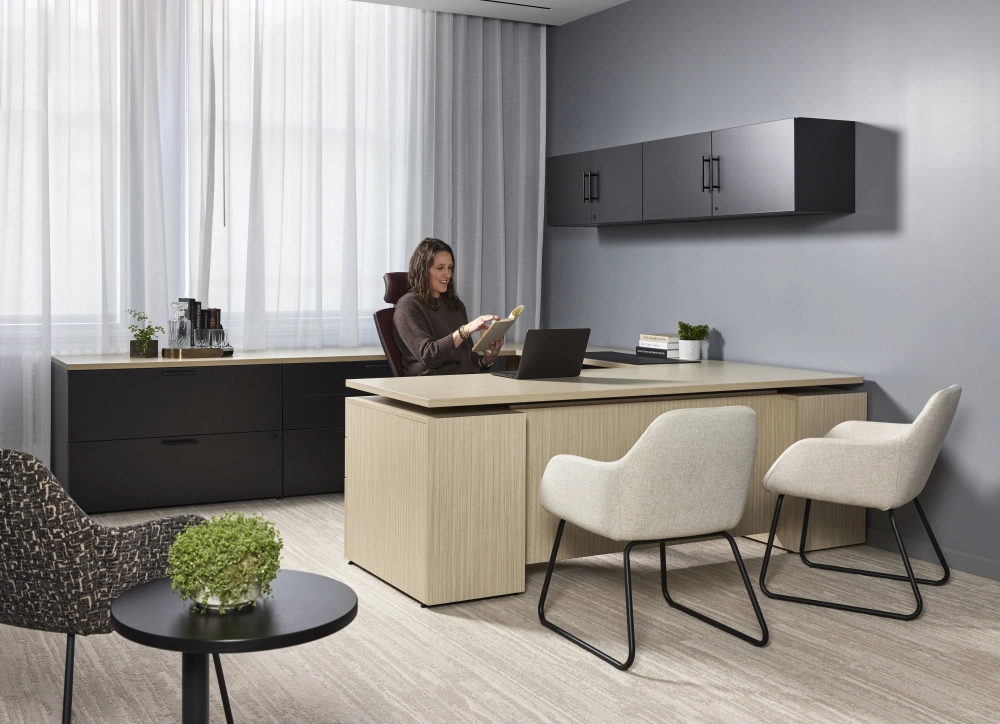
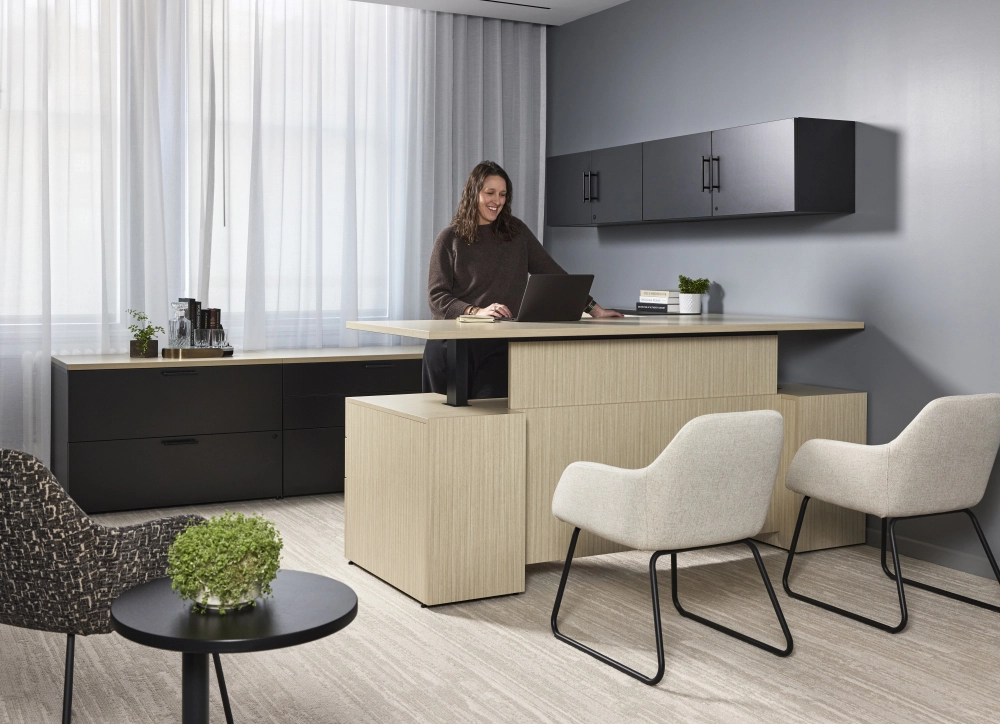
Some departments may require larger surfaces, additional monitor support, integrated storage, or specialized accessories. Private offices may also have different furniture requirements than shared work areas.
Rather than selecting completely different furniture systems, establish a limited number of approved configurations.
For example, a company might use one standard workstation for general office employees, a larger configuration for employees with additional equipment, and a specialized option for certain private offices.
Using related workstation systems, coordinated finishes, and compatible accessories maintains consistency while accommodating legitimate differences.
Coordinate Technology and Accessories Before Ordering
Height-adjustable workstations must support the equipment employees use every day.
Monitor arms, docking stations, computers, keyboards, power connections, and storage solutions should be evaluated alongside the furniture rather than added after installation.
Cable management is particularly important because wires must accommodate movement between seated and standing positions without becoming strained or obstructed.
Businesses should coordinate workstation specifications with their IT and facilities teams to confirm equipment compatibility, power requirements, and accessory placement.
OFD works with clients’ internal IT departments and external technology providers to help coordinate these requirements with the furniture specifications. This helps ensure workstations are prepared for the technology employees need once installation is complete.
Standardizing these components helps ensure employees receive complete, functional workstations instead of desks that require additional modifications after delivery.
Confirm the Workstation Standard Fits the Office
Once the workstation package has been selected, confirm that its dimensions and supporting components work within the existing or planned workplace.
This includes checking workstation footprints, available electrical connections, access clearances, and compatibility with surrounding furniture.
OFD can provide furniture-related electrical plans and coordinate with the project’s general contractor to help align workstation power requirements with the building’s electrical infrastructure.
The objective is not to redesign the entire office around the desks. It is to verify that the chosen workstation standard can be implemented consistently without creating avoidable installation or usability problems.
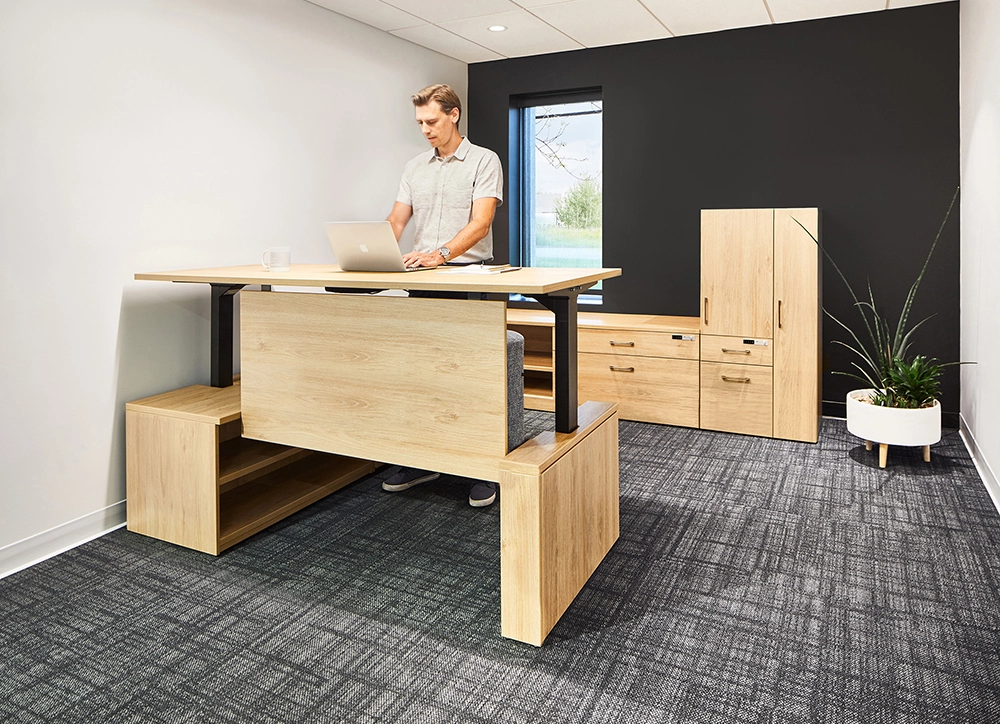
Plan Purchasing, Delivery, and Installation as One Project
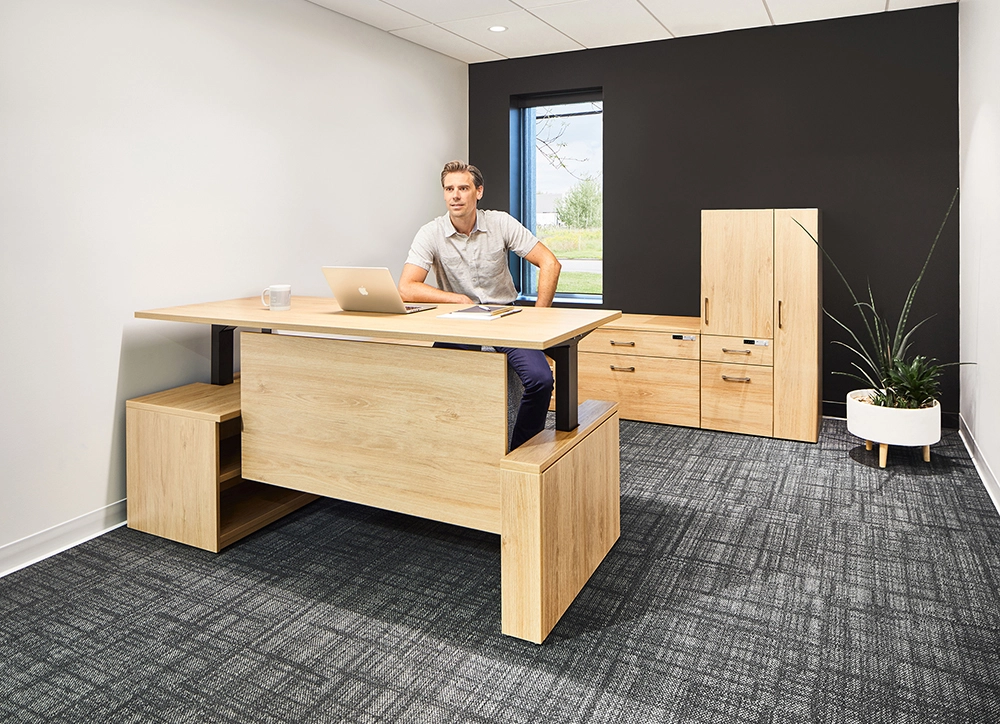
Purchasing dozens of height-adjustable workstations requires more coordination than ordering an individual desk.
Businesses should confirm quantities, specifications, finishes, accessory requirements, manufacturer lead times, and delivery schedules before placing the order.
Installation planning should also account for building access, furniture assembly, workstation placement, technology connections, and whether employees will continue working during installation.
This is where OFD’s Total Project Management (TPM) approach becomes valuable. By coordinating furniture specifications, procurement, scheduling, delivery, and installation, OFD helps businesses manage the different elements of an office-wide workstation project through an organized process.
OFD also coordinates with general contractors, IT teams, and other project stakeholders to help ensure furniture installation aligns with the broader project schedule.
For occupied offices, installation may be coordinated in phases to minimize interruptions to daily operations.
Consider Warranty, Service, and Future Expansion
An office-wide workstation purchase should also account for what happens after installation.
Review manufacturer warranties for lifting mechanisms, controls, frames, and other components. Ask about replacement-part availability and how warranty claims or service requests are handled.
Selecting a consistent workstation system can simplify future maintenance and additions. When employees join the company or departments expand, the business has an established specification to reference rather than restarting the selection process.
OFD’s in-house service capabilities extend support beyond the initial installation. The team can assist with post-installation service needs, coordinate manufacturer warranty matters, and help address replacement parts and furniture component issues when needed, subject to applicable product and service coverage.
This provides businesses with an ongoing point of contact for furniture-related needs rather than leaving them to navigate every manufacturer or service request independently.
Build a Workstation Standard That Works Long-Term
Choosing height-adjustable workstations for an entire office is ultimately about balancing individual needs with organizational consistency.
By establishing core specifications, allowing controlled exceptions, coordinating technology, and planning installation and ongoing support, businesses can create a workstation solution that is easier to purchase, implement, maintain, and expand.
OFD helps businesses plan, specify, source, and install height-adjustable workstations as part of a coordinated workplace furniture project.
Explore OFD’s height-adjustable solutions or speak with an OFD specialist about developing a workstation standard for your office.
Frequently Asked Questions
1. How do you standardize height-adjustable workstations across an office?
Start by establishing a core workstation configuration that includes consistent desk dimensions, height-adjustment ranges, finishes, and accessories. Identify employee groups that need different configurations while maintaining compatible furniture systems. This simplifies purchasing, installation, maintenance, and future expansion.
2. Should every employee get the same sit-stand desk?
Not necessarily. Businesses should establish a standard workstation that meets most employees’ needs while allowing variations for different roles, equipment requirements, and accessibility needs. A limited number of approved configurations helps maintain consistency without sacrificing employee functionality.
3. How do you plan power and cable management for sit-stand desks?
Identify electrical outlets, data connections, monitor requirements, and cable-routing needs before ordering. Cables must accommodate the desk’s full adjustment range without strain or obstruction. OFD coordinates furniture-related electrical planning with clients’ IT teams and general contractors to help ensure technology requirements are addressed during installation.
4. What should be included in an office workstation standard?
An office workstation standard should define desk dimensions, height-adjustment range, lifting system, weight capacity, finishes, monitor support, cable management, storage, and accessories. It should also account for manufacturer warranties, replacement parts, and service requirements so businesses can maintain consistent workstations as their needs evolve.
5. How do you install height-adjustable workstations without disrupting business operations?
Minimize disruption by coordinating furniture delivery, installation schedules, building access, and technology setup before work begins. For occupied offices, phased installation allows workstations to be completed by department or area. OFD’s Total Project Management approach helps coordinate these activities around ongoing business operations.